
Microsoft is rolling out a significant wave of updates to its Microsoft 365 and Office suite throughout May 2025, aimed at enhancing productivity, collaboration, and user experience across Outlook, OneDrive, SharePoint, and Teams. These Microsoft 365 and Office updates introduce new features, improve existing functionality, and retire older components to streamline the platform’s evolution.
Microsoft 365 and Office May 2025 Updates
1. Outlook Gets Smarter and More Flexible

One of the headline improvements is in Microsoft Outlook, where users will experience easier switching between the new Outlook and the classic version on Windows. Starting mid-May, when switching back to classic Outlook, the new Outlook app will minimize to the taskbar instead of closing completely, allowing notifications and reminders to continue seamlessly. By June, users will be able to open classic Outlook immediately without exiting the new version, making transitions smoother for those who use both interfaces.
Mobile users on iOS and Android will benefit from enhanced folder management. They can now create subfolders, rename, move, delete, and rearrange folders directly from the inbox sidebar using drag-and-drop gestures. This improvement simplifies mailbox organization on mobile devices, a long-requested feature for power users on the go.
Shared mailbox handling in the new Outlook for Windows is also improved. Shared mailboxes will appear alongside personal accounts in the folder list with a distinct Shared icon, replacing the separate “Shared with me” section. This change simplifies navigation without losing access to any mailboxes or folders.
Additionally, Outlook mobile users will soon be able to copy and paste attachments directly into emails without saving them first, streamlining message composition. Recurring calendar events can now be edited or canceled from a selected date forward, offering more control than the previous “this event only” or “all events” options.
2. OneDrive and SharePoint Introduce PDF Compression
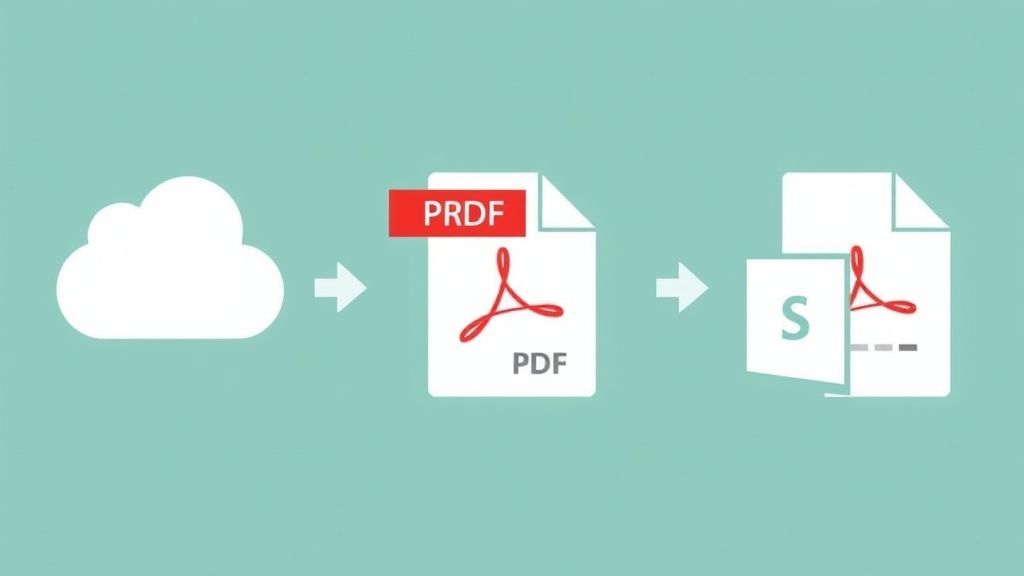
Microsoft OneDrive for the web and SharePoint have introduced a new PDF compression feature that allows users to reduce file sizes of PDFs up to 300 MB. Users can choose from three compression levels-Light, Medium, or Heavy-to balance quality and file size. To compress a PDF, users open the file in OneDrive or SharePoint preview mode, click the Compress button, select the desired compression level, and save a copy of the compressed file.
This feature is designed to optimize storage and improve sharing efficiency, especially useful for organizations dealing with large volumes of PDF documents.
3. Microsoft Teams Enhancements for Collaboration

Microsoft Teams is also getting notable enhancements. A new Slide Control feature will allow presenters in meetings and events to share control of PowerPoint presentations. Co-presenters or designated participants can move slides forward or backward, improving collaboration during presentations.
The platform is increasing the video clip recording limit from 1 minute to 5 minutes, enabling users to share longer video updates or messages. This change supports richer communication and content sharing within Microsoft Teams.
To enhance security and content protection, Teams will disable the ability to copy text from live captions during meetings. While captions remain visible and scrollable, this prevents unintentional sharing of sensitive information displayed in real time.
Microsoft 365 and Office Retirements and Other Important Changes
Alongside these new features, Microsoft is retiring several older tools and features as part of its modernization efforts. The MSOnline PowerShell module is being phased out by late May 2025 in favor of the more robust Microsoft Graph PowerShell SDK, which offers better security and integration for administrators managing Microsoft 365 environments.
Other retirements include certain Power Apps preview features, the “Present Live” feature in PowerPoint for the web (to be replaced by PowerPoint Live in Teams), and some legacy conditions in Purview Data Loss Prevention policies.
Microsoft is also ending support for installing Microsoft 365 apps via the Microsoft Store, recommending users switch to the Click-to-Run installation method by October 2025. Furthermore, 32-bit Microsoft 365 apps on Windows ARM-based PCs will no longer receive feature updates after October 2025, with security updates ending in December 2026, encouraging users to upgrade to 64-bit editions.
What This Means for Users and Administrators
These updates reflect Microsoft’s ongoing commitment to improving the Microsoft 365 and Office ecosystem by enhancing usability, performance, and security. Users should explore the new Outlook and Teams features to boost productivity and collaboration, while administrators need to plan for the retirement of legacy tools like MSOnline PowerShell and adjust deployment strategies accordingly.
For organizations managing large PDF libraries, the new compression feature in OneDrive and SharePoint offers a practical way to save storage space and optimize file sharing.
For more details on Microsoft 365 and Office updates and how to make the most of these new features, visit our detailed coverage on msftnewsnow.com:
Discover more from Microsoft News Now
Subscribe to get the latest posts sent to your email.
