

Microsoft is officially closing the door on unsecured access to its Volume Licensing Central (VLC) portal with a hard multi-factor authentication (MFA) requirement that takes effect January 5, 2026. This change means licensing admins who are not using MFA will be blocked from VLC and pushed through Microsoft Entra ID to turn it on before they can get back to work.
Microsoft locks down Volume Licensing Central
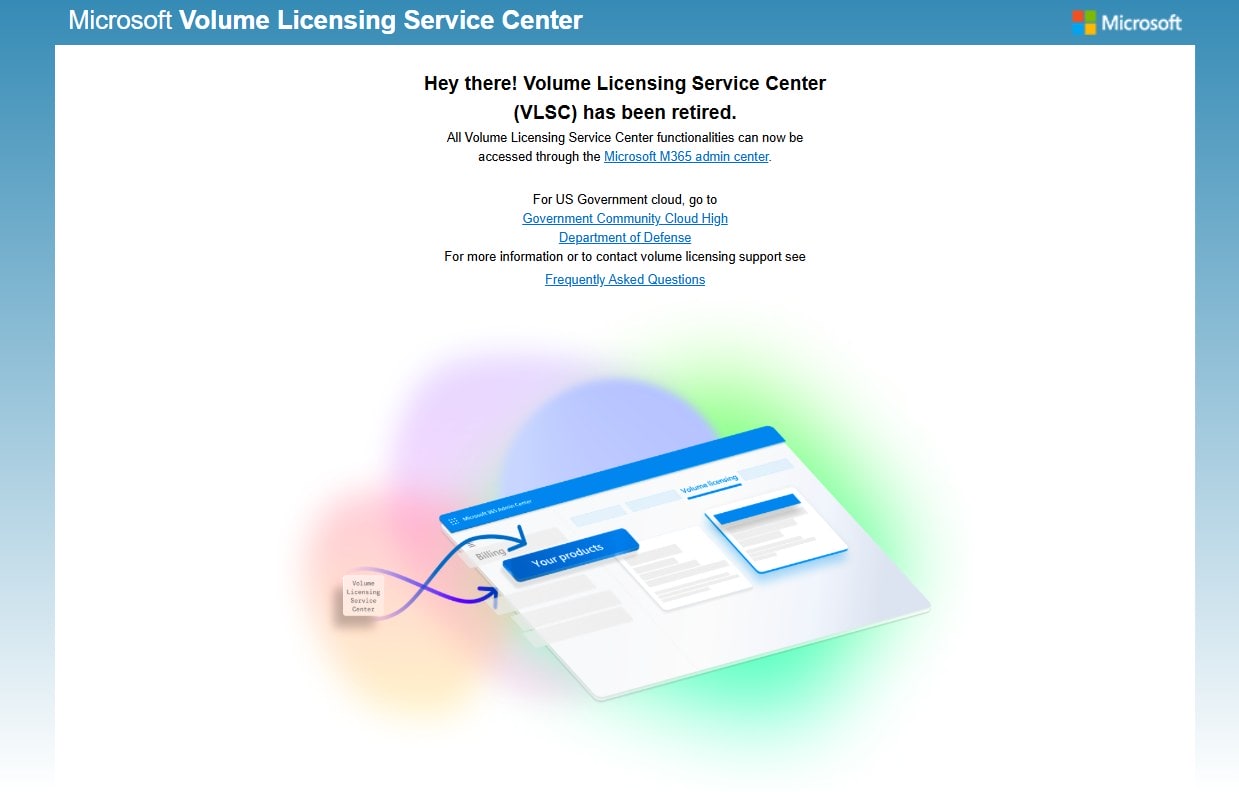
Microsoft’s Volume Licensing Central is one of the core portals enterprise customers and partners use to manage traditional licenses, keys, and agreements, especially in mixed or legacy environments that still rely on volume activation. Until now, many admins could still log into VLC with only a username and password, despite Microsoft’s long-standing guidance that MFA should be mandatory for all privileged and admin accounts.
Starting January 5, 2026, that era ends. Any account attempting to access Volume Licensing Central without multi-factor authentication will be denied access and redirected into Microsoft Entra ID to configure MFA. Only after MFA is successfully enabled on the account will sign-in to VLC be allowed again, effectively turning MFA into a gatekeeper for the licensing workflow.
What actually changes for VLC admins
From an admin’s point of view, the biggest change is that VLC is no longer “MFA-optional” or something that depends on local policy; it is now a hard platform requirement. If an admin tries to sign in and their account does not meet the MFA condition, the login flow will not simply warn them—it will block them and send them through the Entra ID MFA setup path.
In practice, that means:
-
Admins without MFA enabled will be forcibly redirected away from VLC to set up multi-factor authentication in Entra ID.
-
Access to licensing information, agreement details, and product keys will be paused until MFA registration is complete and the account passes the new checks.
-
Organizations relying on shared or “generic” licensing accounts that never had MFA configured will see those accounts effectively locked out until they are brought into compliance or replaced with properly assigned identities.
For organizations that already enforce MFA for admin accounts through Conditional Access, this change will feel mostly transparent because their users are already compliant. For environments that have dragged their feet or only enabled MFA for a subset of roles, this will show up as a very visible “break” in licensing workflows until IT teams catch up.
Why Microsoft is tightening licensing security
This move ties directly into Microsoft’s broader security posture, which treats MFA as the minimum baseline for any privileged or sensitive access. Licensing portals are a high-value target: they expose agreement data, entitlement history, and sometimes product keys that can be abused, sold, or used to impersonate legitimate organizations.
By forcing MFA at the platform level:
-
Microsoft reduces the risk that compromised passwords alone can be used to exfiltrate licensing data or manipulate agreements.
-
The company aligns Volume Licensing Central with the security requirements already seen across other admin experiences like Microsoft 365, Azure, and Entra ID itself, where MFA and Conditional Access have become the default posture for admin accounts.
The change also reflects Microsoft’s push toward a more unified identity and security model, with Entra ID at the center. Instead of building bespoke MFA flows for every portal, Microsoft leans on Entra ID to handle strong authentication and risk-based controls, then applies those requirements consistently at the app level.
Impact on enterprises and licensing partners
For large enterprises, the timing and communication around this change will matter as much as the change itself. Many licensing admins operate in back-office or shared-service teams where tooling and identity practices may lag behind frontline IT security initiatives. When access to VLC suddenly requires MFA, it may be the first time some of these accounts are forced into modern identity practices.
Several impacts include:
-
Operational interruption if unprepared: If licensing admins discover the MFA requirement only when they urgently need a key or agreement detail, they will be forced into an on-the-spot MFA enrollment flow, which may require mobile devices, authenticator apps, or IT approval.
-
Cleanup of legacy accounts: Organizations will need to evaluate whether they still use shared licensing accounts and, if so, move toward individual named accounts with proper MFA and role scoping in Entra ID.
-
Alignment with zero trust goals: Security and compliance teams can treat this enforcement as one more step toward zero trust, ensuring that even “back-office” portals fall under the same strong-authentication umbrella as frontline apps.
Partners who manage licensing on behalf of customers will face similar pressures. They must ensure that their own staff accounts, as well as any delegated or customer-linked identities they use to manage VLC, are enrolled in MFA in time to avoid workflow disruptions.
What IT teams should do next
For readers running Microsoft environments, this policy shift is a clear call to action to tighten identity and access practices around licensing. To minimize disruption:
-
Inventory VLC users now: Identify which accounts regularly access Volume Licensing Central, including any service or shared mailboxes still tied to the portal.
-
Verify MFA status in Entra ID: Use Entra ID reporting or Conditional Access insights to confirm that all VLC-related accounts have MFA enabled and are successfully completing strong authentication.
-
Move away from shared admin identities: Where possible, replace any generic “licensing@company.com” style accounts with individual named accounts assigned the correct licensing roles and protected by MFA.
-
Document the new login steps: Provide simple, internal documentation for licensing admins that explains the new behavior, including what they will see during sign-in and how to complete MFA setup if prompted.
For organizations that already adopted a “MFA everywhere” approach for admins, this change should pass quietly in the background. For everyone else, January 5, 2026 becomes a de facto enforcement date for bringing licensing workflows up to modern security standards.
Another step in Microsoft’s MFA-by-default future
The enforcement of MFA for Volume Licensing Central access is a relatively focused change, but it signals a broader trend: Microsoft is increasingly willing to make strong authentication a non-negotiable requirement rather than a best-practice recommendation. By anchoring this enforcement in Entra ID, Microsoft positions MFA as an integral part of the identity layer rather than a bolt-on setting per portal.
For enterprises and partners, this is both a warning and an opportunity for the Microsoft Volume Licensing Central. It is a warning that legacy access patterns—single-password logins to sensitive admin portals—will continue to be phased out. At the same time, it is an opportunity to use Microsoft’s enforcement as a lever to accelerate internal security initiatives and ensure that even niche or back-office systems like Volume Licensing Central are protected by modern defenses.
As of January 5, 2026, Volume Licensing Central is no longer just a licensing site; it is another front in Microsoft’s campaign to make MFA the default for every critical part of the enterprise stack.
Recent Posts
- How to Get Started with Xbox Cloud Gaming: Play Anywhere Without a Console (2026 Comprehensive Guide)
- Microsoft CEO Satya Nadella: 2026 Must Be The Year AI Delivers Real-World Impact, Stop Talking About AI Slop
- Microsoft’s Comprehensive Copilot Usage Report 2025 Shows AI Is Becoming a Daily Life Companion
- Microsoft Defender Experts Suite Launches January 1, 2026, Bringing AI-Powered, Expert-Led Security to Microsoft 365 E5
- How to Create a USB Startup Key with BitLocker on Windows 11 To Avoid Getting Locked Out
Discover more from Microsoft News Now
Subscribe to get the latest posts sent to your email.
