
Copilot Tasks unlocks powerful and seamless real-world action from Microsoft’s AI
Discover how Microsoft’s new Copilot Tasks moves beyond chat to automate real-world to‑dos, from email triage to travel and job hunting.
Microsoft PowerPoint is a powerful presentation software developed by Microsoft, designed to create dynamic slide presentations that can include text, images, video, and other multimedia elements.
Discover how Microsoft’s new Copilot Tasks moves beyond chat to automate real-world to‑dos, from email triage to travel and job hunting.

Microsoft services including Azure, Outlook, and Microsoft 365 are down today due to a 504 gateway Microsoft MFA outage error hitting U.S. users.

Learn how to launch Copilot on Windows, turn on “Hey Copilot” voice, use Copilot Vision, and sync your AI assistant across Windows 11 devices in 2026.

Windows 11 Canary Insider Build 28020.1619 adds smarter Cross‑Device Resume, Narrator controls, Voice tweaks, and new Paint freeform rotate.

Microsoft bundles Security Copilot into Microsoft 365 E5 and launches Copilot Business at 21 USD per user for up to 300 SMB users.

Microsoft says Microsoft 365 outage no longer an issue, back in a “healthy state” after a 9‑hour outage, but Outlook, Teams, and Defender users still report issues.

Learn how to fully disable Microsoft Copilot in Microsoft 365 with Excel and Word, including in‑app settings and admin controls, in a few simple steps.

Microsoft’s new Elevate for Educators program and free Microsoft 365 Premium + LinkedIn Premium for students put AI tools in more classrooms and campuses.

Microsoft Word now lets you create hyperlinks by pasting a URL over selected text, making link formatting in documents faster and more convenient.

Microsoft 365 is going all‑in on AI in 2026 with new Copilot Chat, agents, Security Copilot, and analytics across apps and security.

Microsoft’s “Microsoft 365 Copilot app (formerly Office)” label has Twitter convinced Office was renamed to an AI app overnight.

Copilot on Windows now edits text in real time during Vision sessions for Insiders, making writing and rewriting much faster.

Microsoft 365 adds automatic AI alt text in Word and PowerPoint on Copilot+ PCs, boosting accessibility with fast, private on-device AI.

Learn 10 practical Microsoft 365 Copilot prompt examples for Word, Excel, PowerPoint, Outlook, and Teams, with step-by-step guidance to boost everyday productivity.

Learn an easy Microsoft 365 Copilot overview, how it works, and easy first steps in Word, Excel, PowerPoint, Outlook, and Teams in this beginner-friendly guide.
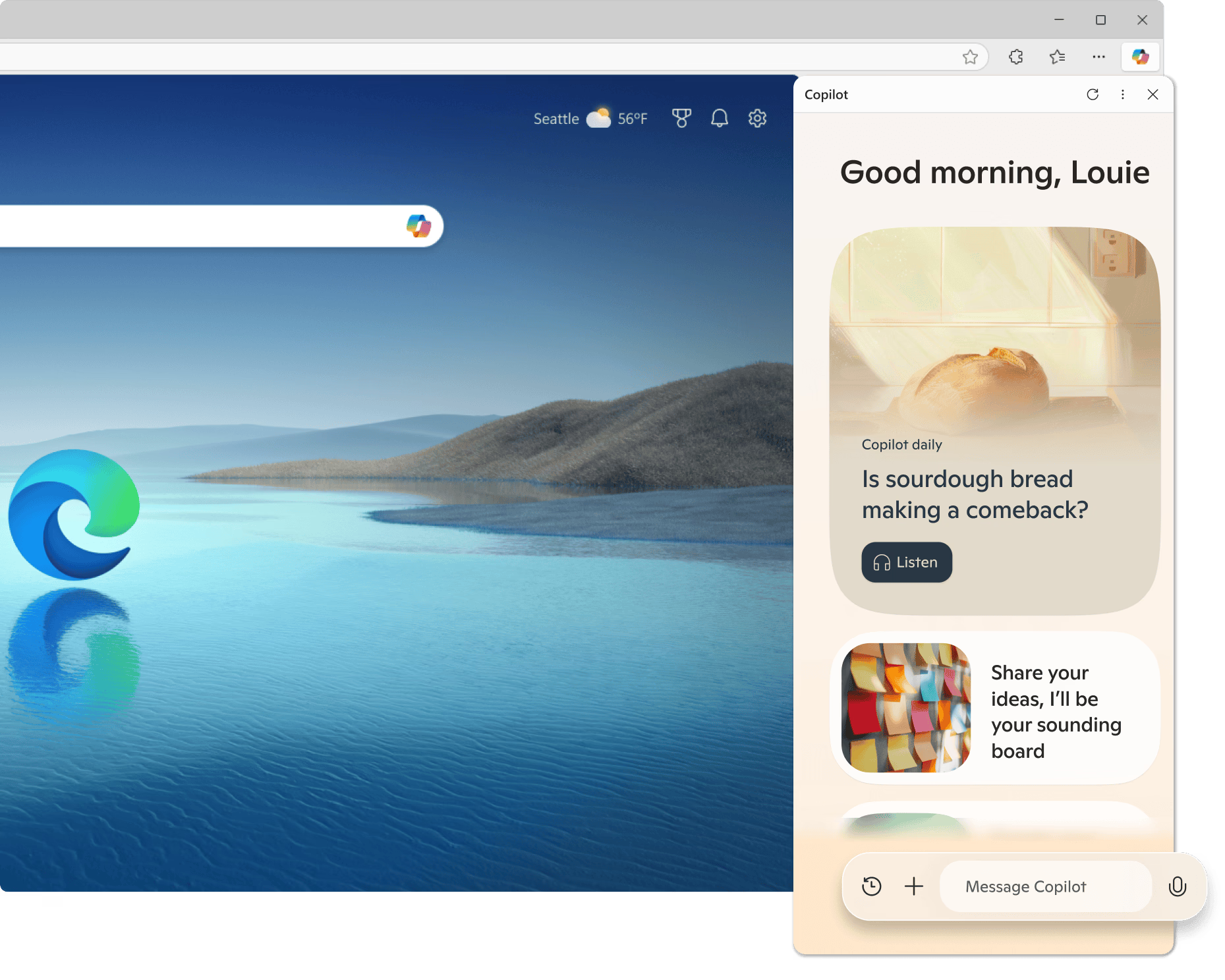
Learn how to use Microsoft Copilot in Edge at work with enterprise data protection, DLP, and admin controls—plus tips, prompts, and privacy.

Microsoft 365 December 2025 brings key retirements, security updates, and Copilot‑ready features admins must act on before year‑end.

Microsoft 365 Copilot Business brings powerful AI to SMBs with affordable pricing, meeting summaries, and workflow automation.

Windows 11 Insider Preview Build 26220.7271 rolls out to Dev and Beta channels, featuring the Xbox Full Screen Experience for PC, Point-in-Time Restore, Fluid Dictation, and more.

Discover the Windows 11 PC Holiday Guide for every need this holiday season, from gaming laptops to Copilot+ AI devices, plus exclusive deals and gift ideas from Microsoft and top retailers.

Microsoft Ignite 2025 debuts Copilot updates, Work IQ, and enterprise-ready agents to power the workplace of tomorrow—driving human-agent collaboration in Frontier Firms.

Microsoft has announced the phased rollout of in-country data processing for Microsoft 365 Copilot, its AI-powered productivity assistant embedded in apps like Word, Excel, PowerPoint, Outlook, and Teams. By the end of 2025, four countries—Australia, India, the United Kingdom, and Japan—will have the option for Copilot interactions to be processed within their national borders, vastly enhancing control and compliance for …

Microsoft continues to transform enterprise productivity with the October 2025 Microsoft 365 Copilot update, introducing advanced AI-powered features now rolling out to global users. This release delivers smarter workflow automation, enhanced chat intelligence, new document creation experiences, and more granular IT admin controls—solidifying Copilot’s place as the must-have upgrade for modern work. Microsoft 365 Copilot Chat Gets Smarter and More …

Copilot Vision now supports text input, letting Insiders chat and analyze what’s onscreen without voice. See what’s new in Copilot for Windows 11.