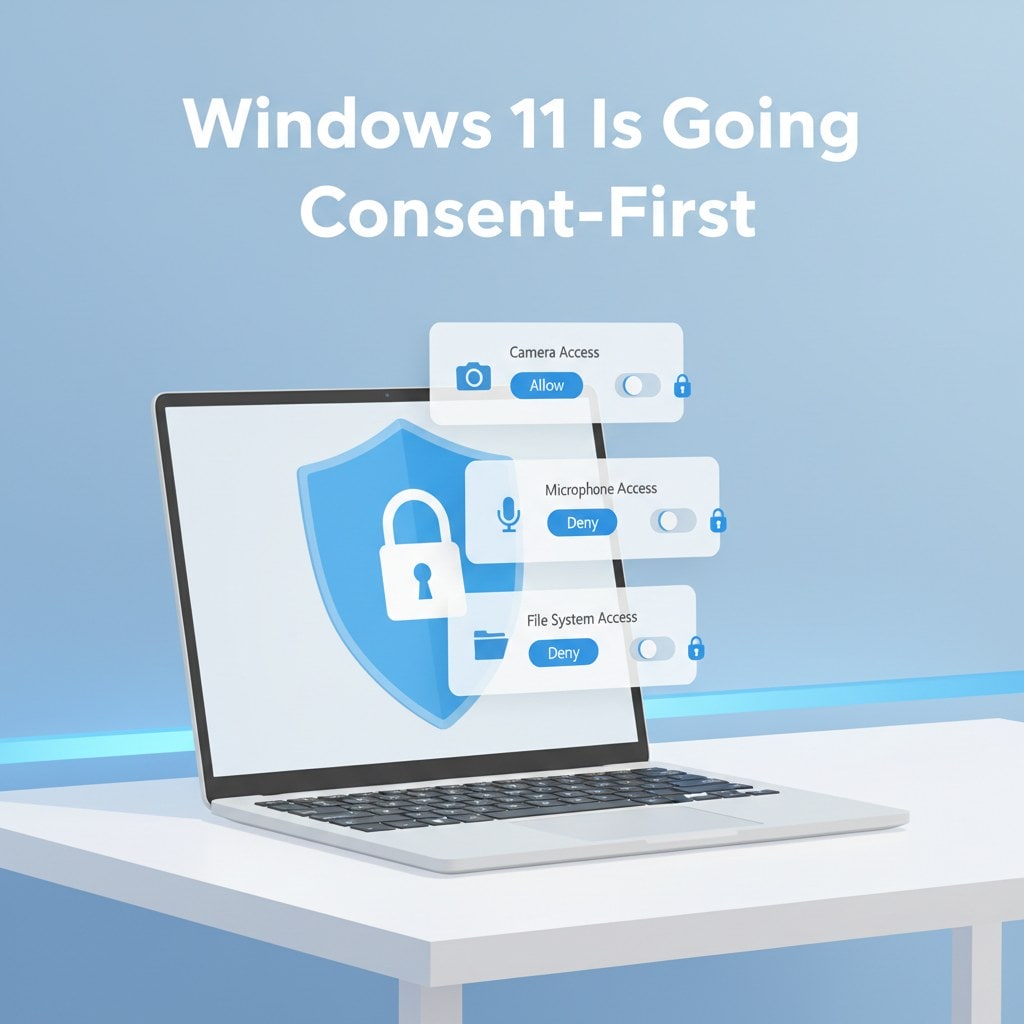

Microsoft has outlined a major rethinking of how Windows 11 will handle app behavior, permissions, and user control. In a new Windows blog post, the company is introducing two tightly linked initiatives—Windows Baseline Security Mode and a new User Transparency and Consent model—designed to put users in a “consent‑first” world without giving up Windows’ long‑standing openness and app compatibility.
Why Microsoft is changing Windows 11 security now
Windows 11 now powers over a billion devices and runs millions of apps across work, school, gaming, and creativity, but Microsoft says user feedback has been clear: people are tired of apps silently changing settings, installing extras, or altering core Windows experiences without explicit consent. At the same time, developers and enterprise customers have been asking Microsoft for more consistent, OS‑level security foundations instead of a patchwork of controls.
The new push is part of broader efforts like Microsoft’s Secure Future Initiative and Windows Resiliency Initiative, which aim to make Windows “secure by default” while still functioning as an open platform where anyone can build and ship software. The goal is to make app and AI agent behavior transparent, keep decisions reversible, and limit access to clearly approved capabilities rather than allowing silent background access.
Windows Baseline Security Mode: signed‑only by default

The first big pillar is Windows Baseline Security Mode, which shifts Windows toward running with runtime integrity safeguards turned on by default. Under this model, only properly signed apps, services, and drivers will be allowed to run, which is meant to reduce tampering, unauthorized changes, and malicious low‑level software.
Important points about Baseline Security Mode:
-
Only signed code by default: The OS will enforce that only correctly signed apps, services, and drivers can execute, raising the floor against malware and rootkits.
-
Exceptions are still possible: Users and IT admins will be able to override these safeguards for specific apps that truly need it, which is crucial for specialized line‑of‑business or legacy tools.
-
Developer visibility: Developers will be able to check whether these protections are active on a given system and whether any exceptions have been granted, so they can understand the environment their app is running in and adjust accordingly.
In effect, Baseline Security Mode extends the “secure by default” concept already seen in Microsoft 365’s tenant‑level Baseline Security Mode—also part of the Secure Future Initiative—to the Windows client runtime itself.
User Transparency and Consent: Windows behaves more like your phone
The second pillar, User Transparency and Consent, is about how Windows surfaces what apps and agents are doing and how it asks for permission. Microsoft explicitly says it wants Windows to work more like modern mobile platforms, where you can clearly see which apps have access to your files, camera, microphone, and other sensitive resources, and revoke that access at any time.
Here’s what Microsoft is promising in this area:
-
System‑enforced transparency: Windows will give users a clear view of which apps can access sensitive resources like the file system, camera, microphone, and more, with the ability to revoke access if something looks off.
-
User‑centric consent: When an app or AI agent tries to access protected data or device features—or attempts to install additional, unintended software—Windows will display clear prompts so users can grant or deny permission.thurrott+1
-
Reversible decisions: Users will be able to revisit and change permissions they previously granted, rather than being stuck with a one‑time choice buried deep in settings.
-
Higher standards for apps and AI agents: Apps and agents will be expected to meet stronger transparency requirements, giving both users and IT admins better insight into what’s running and what it’s doing.
Together, these changes build on existing tools like Smart App Control and admin protection features that already try to block suspicious or unsigned apps, but they raise the bar by making the entire security posture more visible and interactive for end users.
Guiding principles: open, but “secure by default”
Microsoft is making a point of saying that Windows will remain an open platform where users can install any app and developers of all sizes can participate. The company frames Windows Baseline Security Mode and User Transparency and Consent around three core principles:
-
System‑enforced transparency: The OS, not individual apps, will ensure that access to sensitive resources is visible and manageable in one place.
-
User‑centric consent: Prompts and permission flows are designed around user understanding and control, not just developer convenience.
-
Thoughtful rollout: Microsoft plans to start by giving users, admins, and developers better visibility into app and agent behavior, then gradually tighten enforcement as the ecosystem adapts.
For developers, Microsoft says it will ship tools and APIs to streamline adoption and will ensure that “well‑behaved” existing apps continue to work, giving developers time and runway to meet the new bar.
Phased rollout with big‑name partners already on board
These changes are not flipping on overnight. Microsoft stresses that Windows Baseline Security Mode and User Transparency and Consent will roll out in phases, in close collaboration with developers, enterprises, and ecosystem partners. Early work is already underway with pertinent players across security, productivity, and AI:
-
1Password’s CISO and CIO says the push to make app behavior more transparent and secure by default is critical as more people rely on SaaS apps, agents, and AI‑driven tools, and that OS‑level clarity and consent is essential for protecting sensitive data.
-
Adobe’s VP of Global Consumer Trust calls the efforts aligned with its broader focus on trust and security, highlighting cross‑ecosystem collaboration to strengthen customer protection.
-
CrowdStrike’s Chief Technology Innovation Officer says the new runtime model for Windows will help raise the bar for user security and privacy and allow security tools to protect users more effectively with less performance overhead when apps respect consent boundaries.
-
OpenAI notes that as “increasingly capable agents” arrive, visibility and control over what’s happening on users’ machines becomes even more important, and says it’s excited to work with Microsoft on secure AI experiences on Windows.
-
Productivity tool Raycast says privacy and security have always been core to its product, and that as a deep‑integrated Windows tool, it wants users to have full transparency about what apps can do, especially as AI agents start acting on their behalf.
These endorsements underline that Microsoft is trying to align Windows’ evolution with the realities of AI agents, SaaS‑heavy workflows, and a rising bar for user trust in desktop computing.
What this means for Windows users and IT
For everyday Windows 11 users, these changes should eventually translate into fewer surprises from apps, clearer permission prompts, and a dashboard‑like view of which software has access to what. For IT admins, Baseline Security Mode and OS‑level consent controls promise a stronger, more consistent security baseline that’s easier to audit and enforce across fleets.
Microsoft says it will share more details, timelines, and technical specifics in upcoming blogs and through dedicated feedback channels, and is inviting the broader Windows community to weigh in as it iterates on the design. The long‑term vision is clear: the next era of Windows is meant to be built on trust, transparency, and explicit user consent, without abandoning the openness that made the platform dominant in the first place.
Recent Posts You Might Like
- Windows 11 February 2026 Patch Tuesday Lands Today With Glorious Android App Resume and Speedier File Explorer
- Relooted Turns African Artifact Repatriation into the Smartest 2D Heist Game on Xbox Game Pass
- Microsoft Copilot Got the Super Bowl LX Winner Right – Here’s How Close Its Seahawks–Patriots 24-20 Prediction Came
Discover more from Microsoft News Now
Subscribe to get the latest posts sent to your email.
