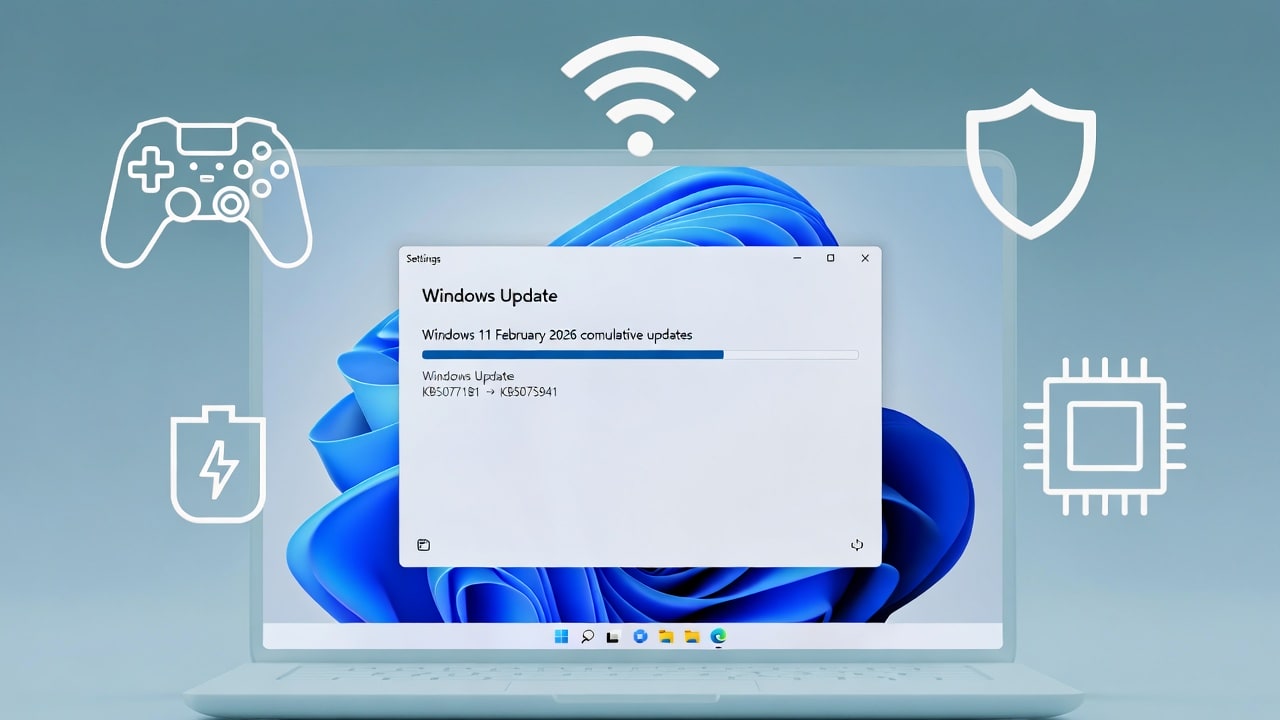

Microsoft is pushing new cumulative updates as part of its Windows 11 February 2026 Patch Tuesday, bringing security fixes, gaming improvements, networking reliability updates, and important groundwork for upcoming Secure Boot certificate changes. The two key packages are KB5077181 for Windows 11 24H2 and 25H2, and KB5075941 for Windows 11 23H2.
KB5077181 for Windows 11 24H2 and 25H2
KB5077181 is the February 10, 2026 cumulative update for Windows 11 versions 24H2 and 25H2, and it is now rolling out via Windows Update and the Microsoft Update Catalog. After installation, Windows 11 24H2 systems move to OS Build 26100.7840, while 25H2 devices report Build 26200.7840.
This update includes the month’s security fixes, including the six zero‑day vulnerabilities addressed across the wider Microsoft stack, and folds in non‑security changes from the previous optional preview release. Microsoft’s notes highlight a few quality‑of‑life improvements that everyday users and gamers will care about:
-
A fix for a full‑screen gaming eligibility issue that affected some devices, improving compatibility with Windows’ performance and latency optimizations in full‑screen titles.
-
A fix for a bug that prevented certain devices from connecting to WPA3‑Personal Wi‑Fi networks after earlier updates, restoring connectivity for users on modern secure wireless setups.
-
Updated AI components in Windows, including Image Search, Content Extraction, Semantic Analysis, and a Settings Model, all listed as version 1.2601.1268.0.
According to Microsoft’s own documentation, there are currently no known issues listed for KB5077181, which is a welcome change for admins tired of chasing Patch Tuesday regressions.
KB5075941 for Windows 11 23H2
For devices still on Windows 11 23H2, Microsoft has released cumulative update KB5075941, which pushes systems to OS Build 22631.6649. Like KB5077181, this is a security update that also rolls up non‑security fixes from January’s optional preview patches, including KB5073455, KB5077797, and KB5078132.
One of the most important changes in KB5075941 is a Secure Boot and Boot Manager update. On devices that already have the Windows UEFI CA 2023 certificate in their Secure Boot signature database (DB), the update replaces the older 2011‑signed bootmgfw.efi bootloader with a 2023‑signed version. This is part of Microsoft’s phased rollout of new Secure Boot certificates ahead of older ones expiring, and it helps ensure that Windows 11 devices are ready when the certificate switch happens later in 2026.
Microsoft warns that resetting the Secure Boot signature database or toggling Secure Boot after this change can, in some cases, trigger a “Secure Boot violation,” which means admins should make sure they have valid recovery media on hand before changing firmware settings. KB5075941 also fixes an issue where some systems running Virtual Secure Mode (VSM) would restart instead of shutting down or entering hibernation after installing security updates released on or after January 13, 2026.
Why this Windows 11 February 2026 update matters
These Windows 11 updates are more than just routine cumulative packages. They:
-
Deliver the February 2026 security fixes, including patches for actively exploited zero‑days that affect Windows components.
-
Improve gaming reliability for users running full‑screen titles on modern hardware.
-
Fix WPA3‑Personal Wi‑Fi connectivity issues, which is important in environments gradually moving away from older security protocols.
-
Advance Microsoft’s Secure Boot certificate rollout, helping ensure a smoother transition later in the year when old certificates are phased out.
For most home users, installing KB5077181 or KB5075941 is as simple as heading to Settings → Windows Update and clicking “Check for updates,” or grabbing the package directly from the Microsoft Update Catalog. For enterprise admins, these updates should be high on the approval list this month, especially on systems exposed to the internet or used by privileged users.
Recent Posts You Might Like
-
- Microsoft February 2026 Patch Tuesday Fixes 6 Zero‑Days and 50+ Windows Security Flaws
- Microsoft Patch Tuesday February 10, 2026: Big Windows 11 Security Fixes And New Features Land
- Windows 11 February 2026 Patch Tuesday Lands Today With Glorious Android App Resume and Speedier File Explorer
- Windows 10 February 2026 ESU Update KB5075912 Preps PCs for New Secure Boot Certificates
- Microsoft February 2026 Security Updates for Office and Exchange Server Fix Actively Exploited Zero‑Day
Discover more from Microsoft News Now
Subscribe to get the latest posts sent to your email.
