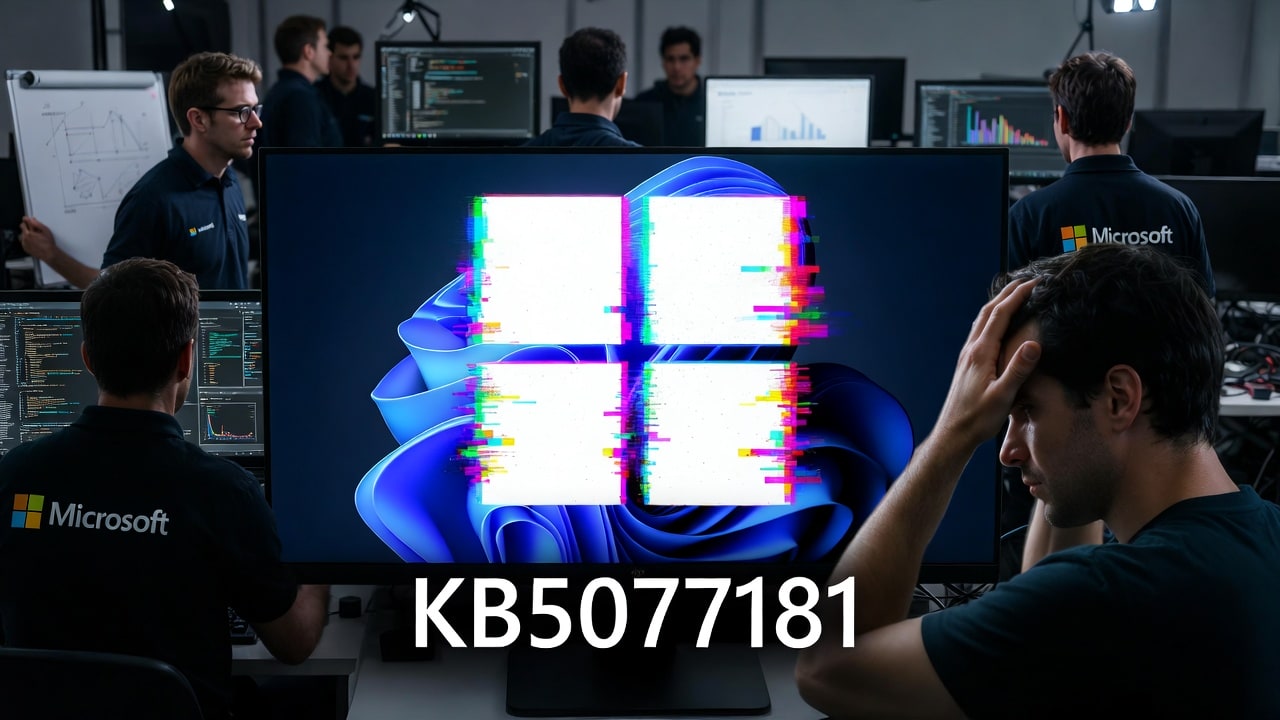

February’s cumulative update for Windows 11 is turning into a bit of a headache for some users. The Windows 11 KB5077181 update, released on February 10, 2026 for Windows 11 24H2 and 25H2, is causing a subset of devices to hit black screens, hang during startup, or get stuck in effectively infinite reboot loops. Reports describe systems that repeatedly restart and never make it to the desktop after the update is installed, which is exactly the nightmare scenario admins dread on Patch Tuesday. While this isn’t hitting every machine, it’s significant enough that Microsoft and regional CERTs have started issuing guidance and rolling out fixes.
KB5077181 is not a minor update either. It bundles security fixes and reliability improvements for Windows 11, including some of the vulnerabilities involved in February’s broader Patch Tuesday release. For many organizations, this update is part of their standard monthly patching rhythm, especially because February’s Patch Tuesday closed six zero‑day flaws that were already being exploited in the wild. That’s what makes this situation tricky: you want the security fixes, but no one wants to roll out a patch that might leave fleets of machines unable to boot.
Widely-reported Windows 11 KB5077181 issues

The most widely reported symptoms are remarkably consistent. After installing KB5077181 and rebooting, some Windows 11 PCs present a black screen, a spinning circle, or a brief attempt at the login screen before immediately restarting. In more severe cases, devices go into a loop of automated repair attempts and reboots that never resolve the problem. Admins on enterprise networks have noted clusters of affected PCs in specific hardware models or configurations, suggesting that certain drivers, storage setups, or security tools might be interacting badly with the update.
Microsoft has acknowledged issues tied to KB5077181 in its documentation and has been updating its known issues section for the patch. At the same time, security advisories from organizations like national CERTs have flagged a related black‑screen and boot‑failure problem on enterprise Windows 11 devices and note that Microsoft is now shipping or recommending fixes as of mid‑February. For admins, that means this is no longer just a Reddit thread rumor; it’s something you need to evaluate against your own estate.
Right now, the practical question for IT is “patch, pause, or roll back?” We’ve seen Microsoft push emergency Windows updates to fix reset and recovery issues after past Patch Tuesday releases, so it’s worth paying attention to any out‑of‑band updates that show up this month.
If you haven’t deployed KB5077181 broadly, the safe play is to validate the update against a representative test group before pushing it to your entire fleet. Lab testing should include devices with BitLocker, third‑party security suites, and more complex storage setups, since those are common culprits when boot problems show up after OS updates. If you are already seeing boot loops in production, you may need to rely on recovery media, Safe Mode, or uninstalling the update from the Windows Recovery Environment to get affected machines back.
The long‑term challenge is balancing the urgency of February’s security fixes against the short‑term risk of instability. Security researchers and outlets have highlighted that Microsoft’s February 2026 updates fixed around 60 vulnerabilities, with six of them actively exploited zero‑days affecting components across Windows and Microsoft Office. Leaving those unpatched is not ideal, especially for internet‑facing systems and high‑value endpoints. This is another reminder of why many organizations stagger deployments, patching pilot rings and critical systems separately rather than pushing every cumulative update everywhere on day one.
For individual users running Windows 11 at home, the advice is a bit simpler. If your PC installed KB5077181 automatically and you aren’t seeing any issues, there’s no reason to panic; just keep an eye out for any follow‑up patches Microsoft releases to address the boot problems. If you do get stuck in a boot loop, using Windows’ recovery tools to uninstall the latest update is usually the quickest route back to a working desktop. From there, you can delay updates temporarily until Microsoft publishes a more robust fix or revised package.
Microsoft’s own documentation and partner advisories will likely evolve over the next few days as it gathers telemetry, angry customer feedback, and narrows down root causes. For IT departments, this is the moment to update internal patching guidance, communicate with help desks, and prepare recovery procedures before more users run into trouble. The bottom line is straightforward: February’s Windows 11 update is important for security, but if you manage a lot of endpoints, you’ll want a deliberate rollout strategy that accounts for potential boot issues and leans on known‑good recovery paths.
Recent Posts You Might Like
- Microsoft Teams Quietly Adds Copilot‑Powered AI Workflows to Automate Everyday Work
- Microsoft Expands Copilot and Azure Benefits for Partners, Tightens Microsoft 365 eDiscovery Rules
- Microsoft Rolls Out Powerful “Agentic Cloud Operations” With Azure Copilot Agents for AI‑Driven Workloads
- February 2026 Patch Tuesday Update: Six Zero‑Days Fixed, But Admins Are Still Cleaning Up A Mess
- Avatar: Frontiers of Pandora and Avowed Bring An Incredible Lineup on Xbox Game Pass Today February 17th
Discover more from Microsoft News Now
Subscribe to get the latest posts sent to your email.
