

Microsoft’s Big Windows 11 March 10, 2026 Patch Tuesday is shaping up to be one of the most practical Windows releases in a while, and the contents are already effectively locked in thanks to the KB5077241 preview update. If you’ve been ignoring the optional February update, expect all of those features and fixes to be pushed to your Windows 11 PC as part of next week’s cumulative security rollout.
What’s actually shipping on March 10

KB5077241 is currently available as an optional “C” preview update, but Microsoft has confirmed its contents will roll into the Windows 11 March 2026 Security Update for versions 24H2 and 25H2. That means the headline features people have been testing for the past couple of weeks are about to become mainstream.
Here’s the high‑level view of what’s coming:
-
Built‑in network speed test from the taskbar
-
New Start menu account entry point
-
File Explorer’s Extract All finally works with non‑ZIP archives
-
A wave of performance and reliability improvements around sleep, storage, and updates
You can treat this as the “polish” release: no flashy UI overhaul, but a lot of small changes that will be noticeable in daily use.
Taskbar gets a built‑in network speed test

The most talked‑about addition is the network speed test option wired directly into the taskbar’s network icon. Once the March 10 update lands, you’ll be able to right‑click the Wi‑Fi or Ethernet icon in the system tray, or use the network section in Quick Settings, and choose a new “Perform speed test” entry.
Technically, the test still runs in your default browser on a Bing page, using Speedtest technology under the hood, but the integration means you don’t have to search the web or bookmark anything. It works with Ethernet, Wi‑Fi, and cellular connections, so you can quickly check whether a slow Teams call is your PC, your router, or your ISP.
For IT admins, this is a small but handy support tool: you can walk users through a reproducible, built‑in speed test without sending them to third‑party sites.
Start menu and sign‑in experience tweaks
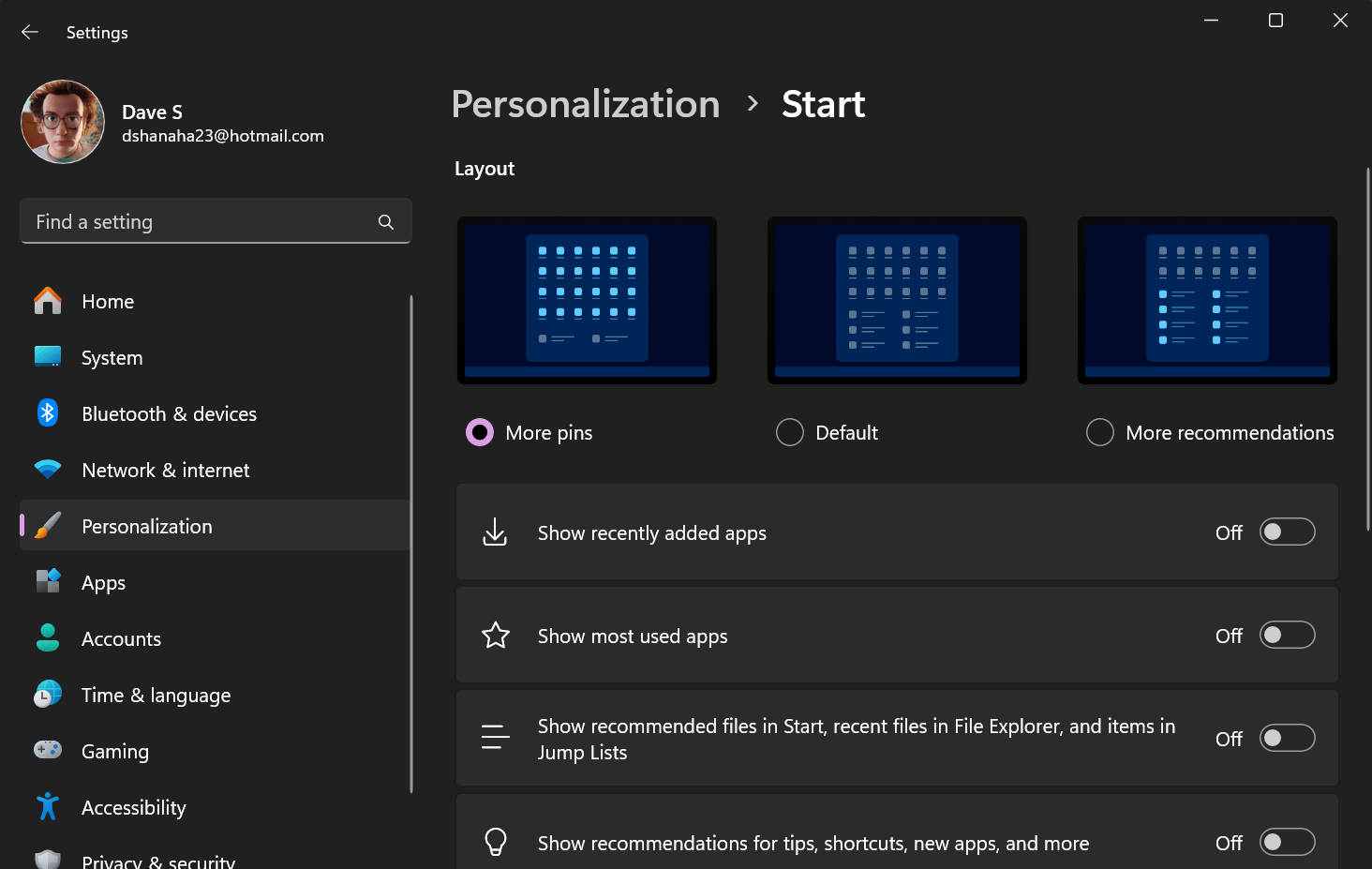
The March update also quietly improves how Windows 11 nudges users toward Microsoft accounts and benefits without a full redesign of the Start experience.
On the Start menu, KB5077241 adds a new option in the profile menu that can jump directly to a page explaining the benefits of signing in with a Microsoft account. On systems where users still rely on local accounts, expect Windows to surface this entry as part of Microsoft’s ongoing push toward cloud‑connected identities.
You’ll also see a refreshed account menu at sign‑in that makes it clearer which account you’re using and what’s available, part of Microsoft’s broader work to make switching between work and personal identities less confusing.
File Explorer finally respects non‑ZIP archives
One of the most consumer‑friendly changes in the Windows 11 March 2026 update is a subtle but long‑requested fix in File Explorer. Until now, Explorer’s Extract All button only lit up reliably for classic ZIP files, even though many users regularly work with 7z, RAR, TAR, and other archive formats.
After the March Patch Tuesday update, File Explorer’s command bar will show a working Extract All option for non‑ZIP archive folders, treating them more like first‑class citizens in the shell. This doesn’t turn Explorer into a full‑fat replacement for 7‑Zip or WinRAR, especially for encrypted or highly‑compressed archives, but it does remove some of the friction when you’re just trying to unpack downloads quickly.
There are also smaller Explorer tweaks, like more predictable behavior when you Shift‑click or middle‑click the taskbar icon to open new windows and more reliable device discovery on the Network page.
Under‑the‑hood performance and reliability improvements
Beyond the visible features, KB5077241 brings a long list of quality‑of‑life improvements that most users will feel rather than notice explicitly.
Pertinent areas Microsoft is targeting:
-
Faster temporary file scanning and cleanup, which should help with disk space management and some update failures.
-
Better storage settings experiences, making it easier to understand what’s consuming space and how recommendations are applied.
-
A more responsive Windows Update page, with smoother navigation and fewer hangs when checking for updates or viewing history.
-
More reliable wake‑from‑sleep behavior and reduced time to resume under heavy load, addressing one of the more common complaints about modern Windows laptops.
On the security and admin side, this update also enhances BitLocker and introduces native System Monitor (Sysmon) functionality in Windows 11, though Sysmon is disabled by default and needs to be explicitly turned on. Microsoft is also automatically enabling Quick Machine Recovery (QMR) on eligible Pro devices that aren’t domain‑joined or enrolled in enterprise management, improving resilience after failures.
Why this Windows 11 March 2026 Patch Tuesday update matters
Individually, none of these changes is the kind of thing that sells new PCs, but taken together they mark one of the more “user‑first” Windows 11 updates we’ve seen in a while. The March 10 Patch Tuesday rollout effectively takes an optional, enthusiast‑only preview and standardizes it across the mainstream Windows 11 install base, closing the loop between Release Preview testing and real‑world deployment.
For most Windows 11 users, the practical takeaway is simple: next week’s security update is worth installing promptly, not just for the patches but for the genuinely useful features and performance gains bundled with KB5077241. And if you run a fleet of Windows 11 devices, this is the release to validate now so you’re ready when the March cumulative hits your environment on Patch Tuesday.
Recent Posts You Might Like
- Xbox CEO Officially Confirms ‘Project Helix’ Next‑Gen Console That Plays Dynamic Xbox and PC Games
- Microsoft Edge Introduces “Focusgroup” to Simplify Keyboard Navigation and Boost Web Accessibility in 2026
- Microsoft Sentinel March 2026: AI-Powered Automation, Powerful Real-Time Data, and Deeper Multicloud Visibility
Discover more from Microsoft News Now
Subscribe to get the latest posts sent to your email.
