
Microsoft has recently announced a significant update to its OneDrive Personal Vault cloud storage service, focusing on enhanced security measures and improved mobile features. The update introduces new capabilities for OneDrive’s Personal Vault and offline file access, aiming to provide users with a more secure and flexible experience when managing their files on the go.
OneDrive Personal Vault: A secure storage solution
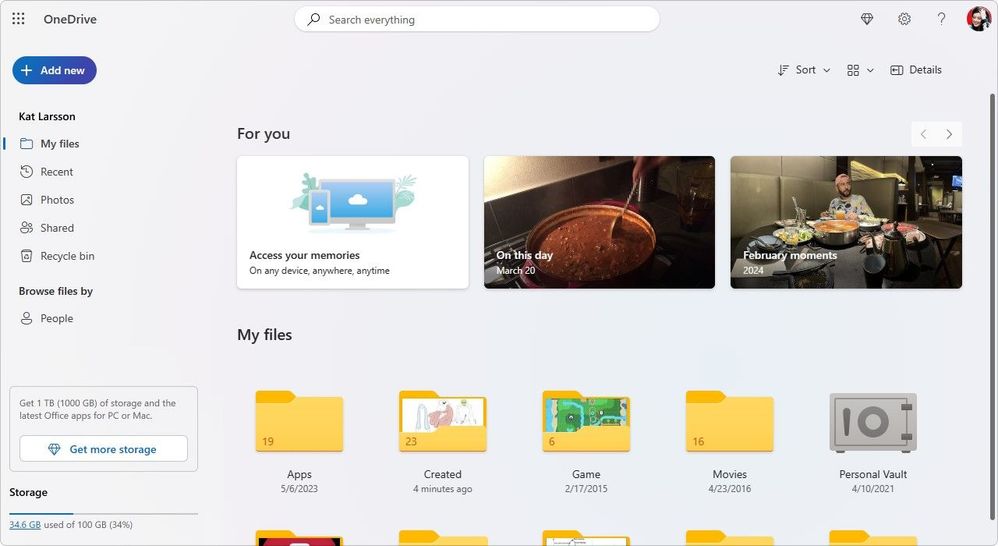
OneDrive Personal Vault is a dedicated area within OneDrive designed to provide an extra layer of security for your most sensitive and important files. With the latest update, Microsoft has implemented additional security features to ensure that your data remains protected against unauthorized access.
Multi-Factor Authentication (MFA) for added protection
OneDrive Personal Vault now requires multi-factor authentication (MFA) to access the stored files. This means that even if someone gains access to your OneDrive account, they will still need to pass through an additional security check to open the Personal Vault. MFA can include a range of verification methods such as a fingerprint, facial recognition, a PIN, or a code sent via email or SMS.
BitLocker encryption on Windows 10
For Windows 10 users, OneDrive syncs Personal Vault files to a BitLocker-encrypted area of the local hard drive. This ensures that even if your device falls into the wrong hands, the files within your Personal Vault remain encrypted and inaccessible without proper authentication.
To prevent accidental exposure of sensitive files, Personal Vault automatically locks after a period of inactivity. This feature ensures that your files are not left open and vulnerable if you step away from your device.
Offline access: Files at your fingertips
Understanding the need for file access even without an internet connection, OneDrive has improved its offline access capabilities. Users can now select files or folders to be available offline, allowing them to read and edit files anytime, anywhere.
When you make edits to files offline, the changes will sync back to OneDrive the next time your device connects to the internet. This ensures that you always have the most up-to-date version of your files across all your devices.
The OneDrive mobile app now allows users to mark files or folders for offline reading with just a few taps. This feature is particularly useful for those who travel frequently or have limited internet connectivity.
Microsoft’s OneDrive continues to evolve, offering users a secure and convenient way to store and access their files. With the enhanced security features of Personal Vault and the improved offline access capabilities, OneDrive is solidifying its position as a reliable cloud storage solution for personal and professional use. These updates demonstrate Microsoft’s commitment to user security and mobile productivity, ensuring that OneDrive remains a competitive choice in the cloud storage market.
Discover more from Microsoft News Now
Subscribe to get the latest posts sent to your email.