
Microsoft continues to evolve its flagship email client, and the June 2025 update for the new Outlook for Windows delivers a robust set of features aimed at boosting productivity, flexibility, and AI-powered assistance for both personal and enterprise users. Whether you rely on Outlook for daily communications or manage multiple accounts and data files, this release offers significant enhancements that streamline workflows and leverage the latest in artificial intelligence.

Copilot in Outlook: Smarter Email for Everyone
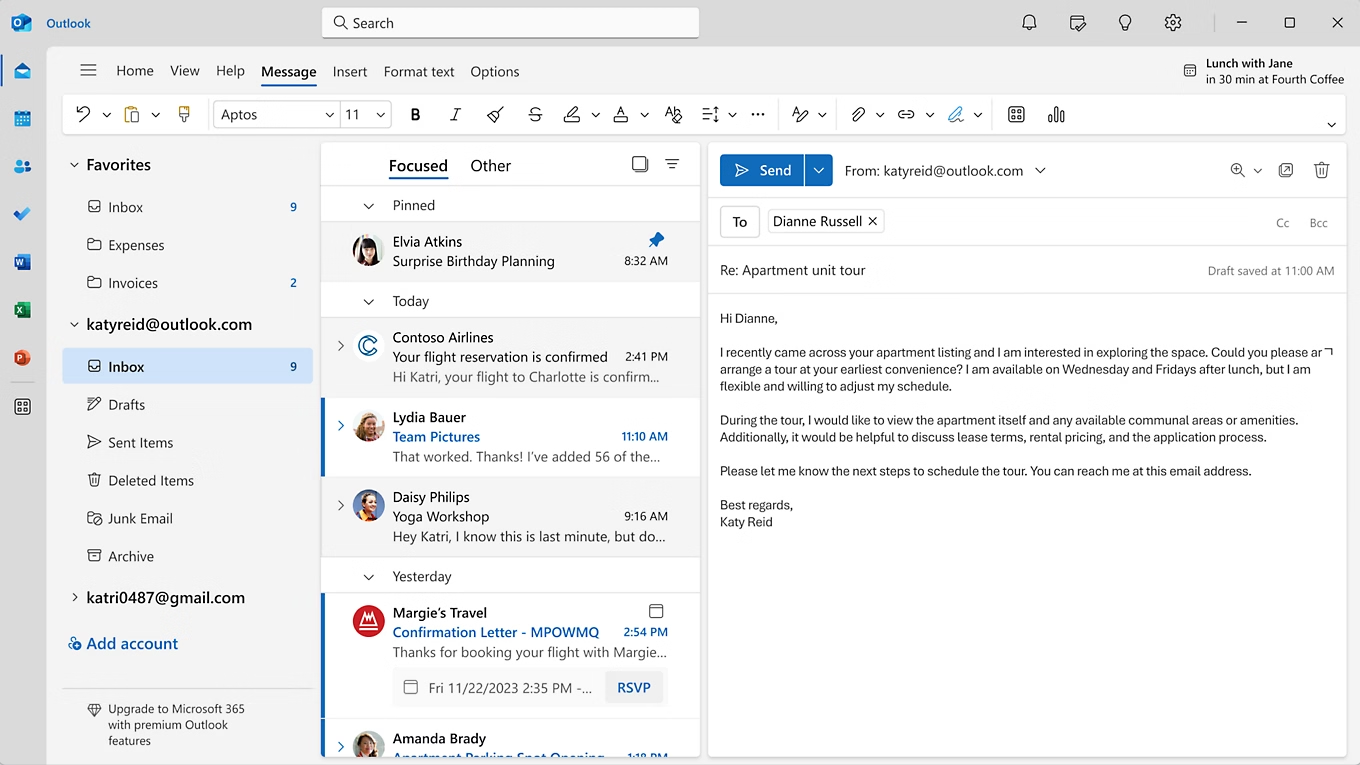
One of the most anticipated additions is the expanded integration of Copilot, Microsoft’s AI-powered assistant, now available to a wider range of users. If you’re logged into Outlook with an account that has Copilot Pro or AI credits through a Microsoft 365 Personal or Family subscription, Copilot features are now accessible across all connected email accounts. This includes not only Microsoft domains like Outlook.com, Hotmail.com, Live.com, and MSN.com, but also third-party providers such as Gmail, Yahoo, and iCloud, provided they’re logged in on the same device.
Sharing Copilot Across Accounts
This cross-account Copilot access means you can enjoy AI-powered drafting, editing, and productivity tools no matter which email service you’re using in Outlook. This is a major step forward for users who juggle multiple accounts and need consistent, intelligent assistance across their inboxes.
Email Coaching with Copilot
For those who want to ensure their emails are clear, effective, and appropriately toned, Copilot in Outlook now offers email coaching. Before you hit send, Copilot can provide suggestions to adjust the tone, improve clarity, and optimize for reader sentiment. This feature is particularly useful for important or sensitive communications, helping users craft messages with confidence.
Enhanced PST File Support
The June 2025 update brings improved support for .pst files, also known as Outlook Data Files. Users can now reply to and forward emails stored in .pst files directly from the new Outlook for Windows. Microsoft has announced plans to further expand PST capabilities in future updates, making it easier for users to manage legacy data and archived messages.
Move Emails Between Accounts
A highly requested productivity feature is now live: consumer users can seamlessly move emails between their personal accounts within Outlook. This streamlines organization and makes it easier to consolidate or redistribute messages as needed. For enterprise users, this feature is off by default and can be enabled by administrators through policy controls, ensuring alignment with organizational security and compliance requirements.
Offline Capabilities: More Power, More Flexibility
Microsoft has significantly enhanced the offline experience in Outlook for Windows:
-
Expanded Offline Mail Sync: The default window for syncing emails in offline mode has increased from 7 to 30 days, allowing users to access a larger portion of their mailbox even without an internet connection.
-
Offline Search Folders: Users can now access search folders while offline, making it easier to find and organize emails based on custom criteria.
-
Undo Send While Offline: The ability to cancel an email after selecting Send is now available offline, reducing the risk of sending messages prematurely when working without connectivity.
Productivity and Usability
-
Add Shared Folders to Favorites: Users can now add shared folders to their Favorites list, providing quick access to important shared content and improving collaboration.
-
External Tag in Contact Suggestions: When composing emails, an “External” tag will now appear in the dropdown suggestions for contacts outside your organization, helping users avoid accidental data leaks or misdirected messages.
-
Disable Copilot in Outlook: For users or organizations that prefer not to use AI assistance, Copilot can be easily disabled via the Settings window under Copilot controls.
Enterprise Controls and Security
Microsoft continues to prioritize enterprise needs by allowing administrators to manage features like email movement between accounts and Copilot access through group policies. This ensures organizations can tailor Outlook’s capabilities to their compliance, privacy, and workflow requirements.
Outlook’s Ongoing Evolution
The June 2025 update is part of Microsoft’s broader push to deliver intelligent, cross-platform productivity solutions. As previously reported on msftnewsnow.com, Microsoft’s recent executive shakeup and Copilot expansion underscore the company’s commitment to integrating AI across its software ecosystem. These Outlook updates are a direct reflection of that strategy, providing both individual users and organizations with smarter, more flexible tools.
For more updates on Microsoft’s productivity suite, including the latest on Copilot and security initiatives, check out our recent articles:
-
Major Executive Shakeup: LinkedIn CEO Expands Role to Oversee Office Apps
-
Microsoft Launches Free Cybersecurity Program for European Governments
-
Microsoft’s emissions Spike 23.4% Despite Clean Energy Gains – AI Expansion Drives Scope 3 Challenge
With these enhancements, the new Outlook for Windows is better equipped than ever to help users manage their communications, stay productive, and benefit from the latest in AI-powered assistance—whether online or offline, at home or in the office. Stay tuned to msftnewsnow.com for ongoing coverage of Microsoft’s latest updates.
Discover more from Microsoft News Now
Subscribe to get the latest posts sent to your email.